TCG Print Tools
- Select or drag card images (fronts) onto the bar below, or click a blank slot and search via Scryfall.
- Certain images from Scryfall may not transfer properly and you may need to manually download & upload them.
- Choose a default card back or upload your own. Hover a front to remove or make it double-faced.
- Watch our YouTube tutorial on how to use this tool here: TCG PDF Generator How To
- Generates a PDF alignment sheet with a border grid you can measure in pixels.
- Use this to calculate the offset needed to align your fronts to your backs.
- Watch our YouTube tutorial on how to use this tool here: Printer Alignment Sheet Tool Video
- This mode allows bleed edge and uses 2 columns × 4 rows (cards rotated sideways), to fit on a letter sized sheet.
- Cut marks indicate the trim area (63mm×88mm).
- Watch our YouTube tutorial on how to use this tool here: TCG PDF Generator How To
Drag & Drop image files here to fill the active tool (auto-adds sheets).
Print alignment offsets (pixels @ selected DPI)
X:
Y:
X:
Y:
Search Scryfall
Choose Card Back
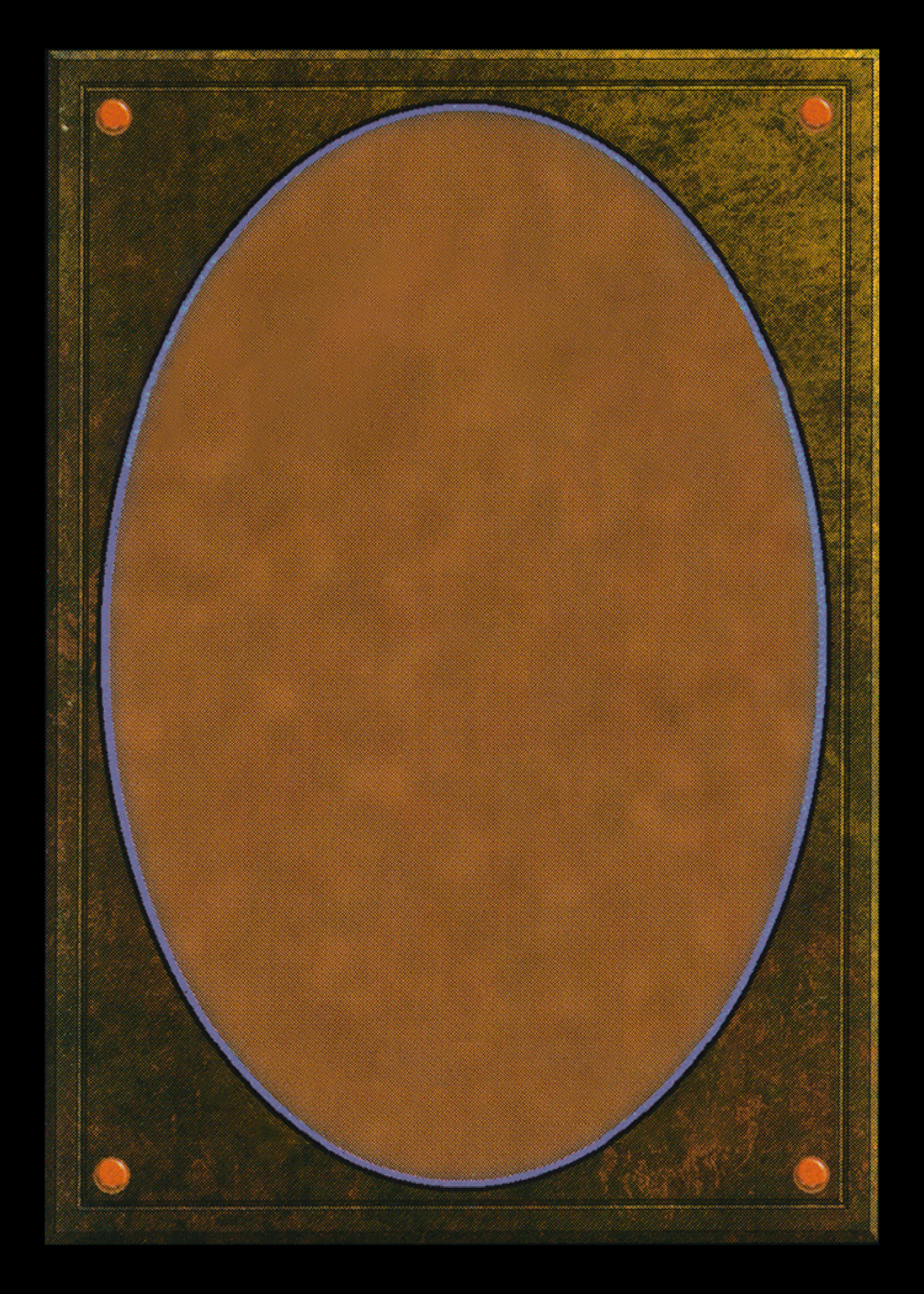
Hiro Back 1
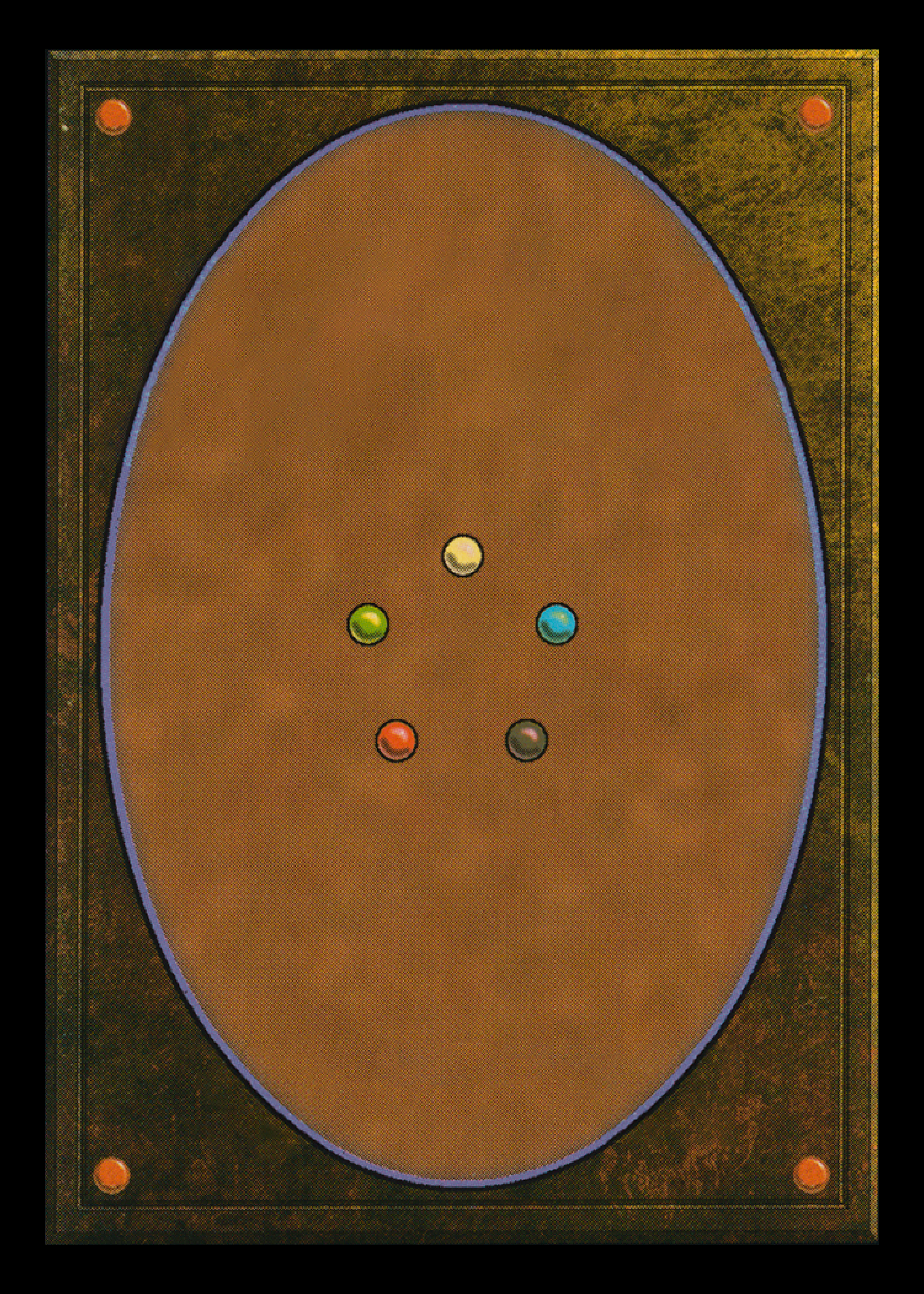
Hiro Back 2
Custom Back
Click or drop an image
Your own image
Choose Back For This Card
Double-faced Back
Click or drop an image
Custom back linked to this front
Remove back face?
Are you sure you want to remove the back face of this card?
Generating PDF…
Do not close this window until the download has started.